To launch servers for you, dPanel holds an encrypted credential (an API key) for your cloud account. This page says plainly what dPanel stores, what that key can do, and how to limit, rotate and revoke it, so you can decide how much to trust it and how to limit the damage if something goes wrong.
The risk, in one paragraph
A cloud credential lets whoever holds it spend your money and touch your infrastructure. When you connect one, you trust dPanel's operators, its servers and its code with it. If dPanel's database and its encryption key were both stolen, or dPanel had a bug or a malicious change, an attacker could use your credential to launch machines on your bill, or delete the ones dPanel can reach. dPanel can't remove that risk for you. You can make it small: give dPanel a credential that can only manage VMs, in an account or project that holds nothing else, with a spending limit.
What dPanel stores
| What | How |
|---|---|
| The credential | In dPanel's database, each field encrypted with AES using a key that dPanel's server reads from a key file. The key is not stored in the database. |
| Connection name and provider | In plain text. |
| Who owns it | The workspace it was created in. Everyone in that workspace can launch servers with it. Nobody can read it back. |
Once saved, the credential is never sent back to a browser. The page shows the account, never the key.
dPanel decrypts the credential in two places:
- On dPanel's server, to fill the launch form: listing regions, sizes, images and networks, and checking whether a server name is taken.
- On dPanel's worker, to create or delete a VM. The credential travels with the job and is used by the provider's Ansible modules, which run with logging of secrets turned off.
What each credential can do
| Provider | With the minimum we recommend | With a broad credential |
|---|---|---|
| AWS | Create and terminate EC2 instances it tagged, and their network and security groups, in the regions you allow | Everything your IAM user or root user can do |
| Google Cloud | Create and delete VMs, disks and firewall rules in one project | Everything in every project the account can reach |
| IDCloudHost | Everything your IDCloudHost user can do; we could not confirm scoped keys (verify) | The same |
| DigitalOcean | Create, read and delete Droplets and SSH keys; read regions, sizes, images and VPCs | Everything in the team |
| Alibaba Cloud | Create and delete ECS instances, VPCs, vSwitches, security groups and key pairs in the account | Everything in the Alibaba Cloud account |
| Tencent Cloud | Create, pay for and delete CVM instances, VPCs, subnets, security groups and key pairs in the account | Everything in the Tencent Cloud account |
The minimum for each one is on its page: AWS, Google Cloud, IDCloudHost, DigitalOcean, Alibaba Cloud, Tencent Cloud.
Least privilege, in practice
- Use a dedicated account or project. An AWS account, a Google Cloud project, or a DigitalOcean team that holds only what dPanel launches. A leak then can't reach your databases, storage or other servers.
- Use a dedicated identity. A separate IAM user, service account or token named
dpanel, so you can see what it did and revoke it alone. - Grant the minimum. Use the policy, role or scopes on the provider's page.
- Cap the spend. Set a budget alert at the provider: AWS Budgets, Google Cloud budgets, DigitalOcean billing alerts. On IDCloudHost, keep only the credit you mean to spend in the billing account.
- Limit regions. On AWS, the policy's
aws:RequestedRegioncondition keeps launches to the regions you name. - Watch the audit log. AWS CloudTrail, Google Cloud Audit Logs and the DigitalOcean security history show every call made with the credential.
Rotating a credential
You can replace the key inside an existing cloud account without disconnecting it. The account keeps its ID, so servers launched with it keep working and can still be deleted.
- Create a new key at the provider for the same identity. AWS allows two access keys per user, and Google Cloud several keys per service account. On DigitalOcean and IDCloudHost, create a second token or API key.
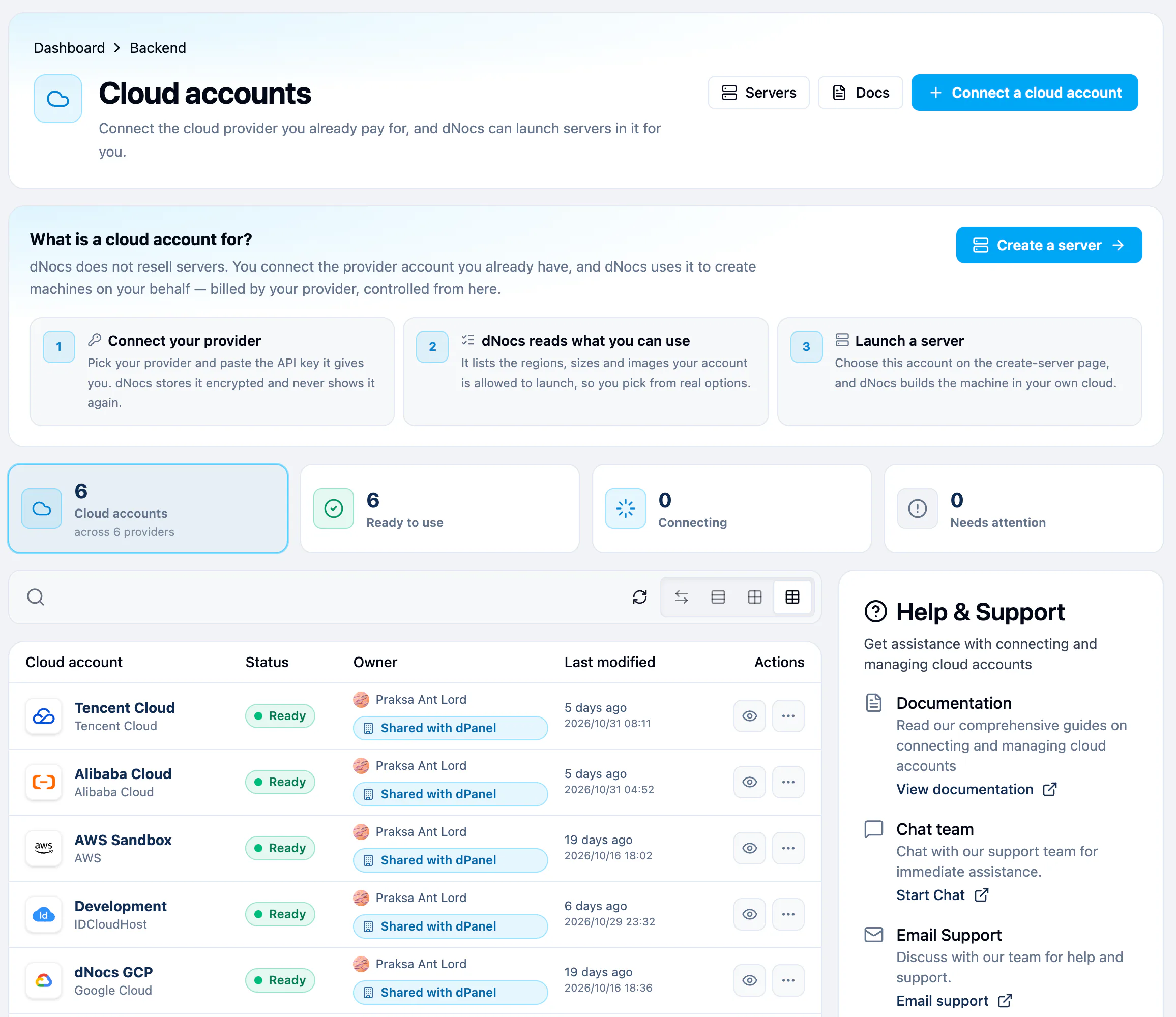
- In the sidebar, open Cloud Projects. On the account's row, open the More (⋯) menu and choose Update credentials.
- Fill in the same fields as when you connected the account, then press Save credentials.
- Confirm the new key works: open the launch form and check that the regions load.
- Delete or deactivate the old key at the provider.
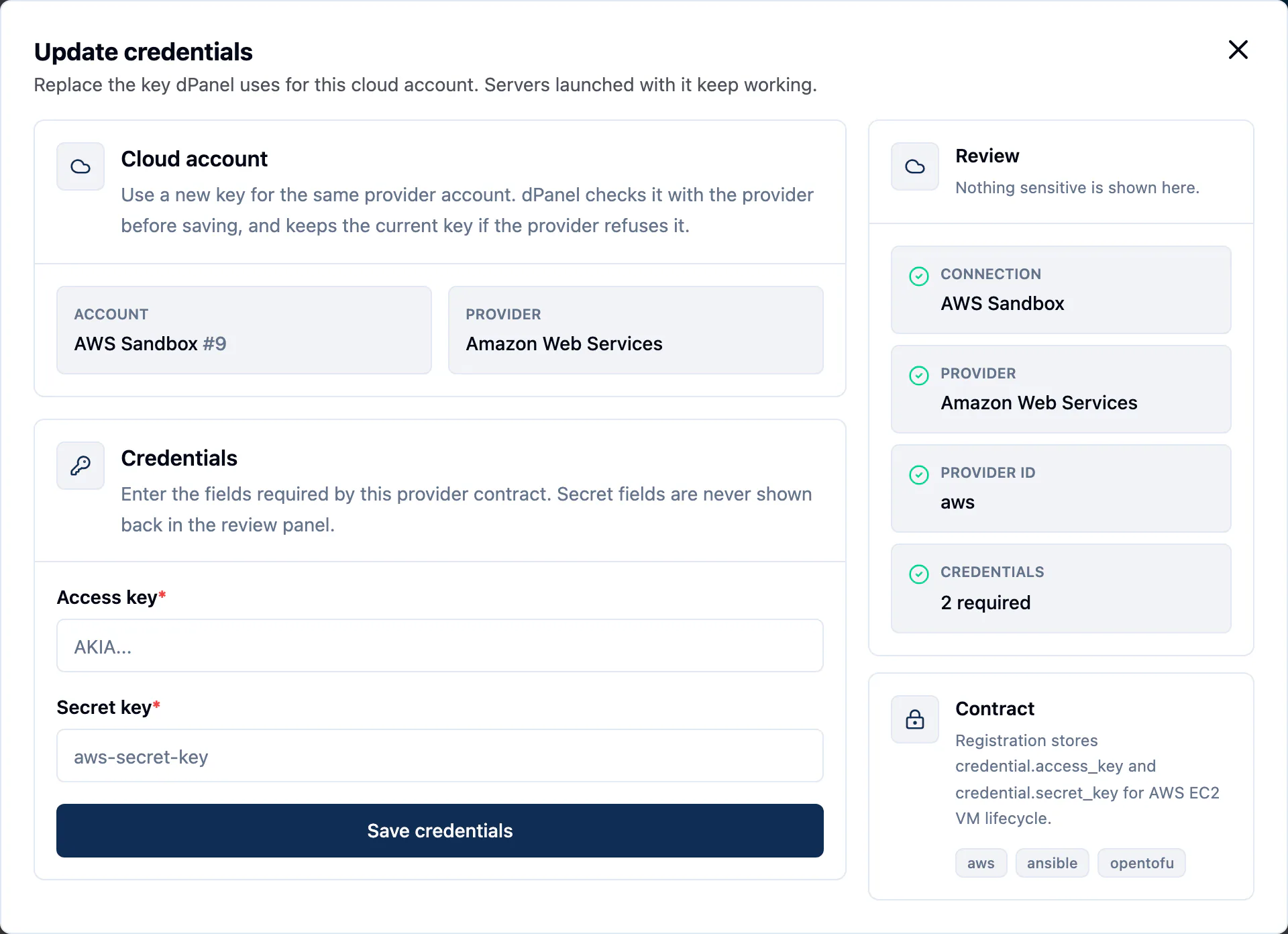
From the command line, run dnocs cloud-project update-credentials --id <ID>. It asks for each field, like dnocs cloud-project create. For a multi-line value such as the Google Cloud service account JSON, answer the prompt with @path/to/key.json to read it from a file. You can also pass every field at once with --credential-file credential.json, a JSON object such as {"project_id":"my-project","service_account_json":"..."}, and skip the confirmation with --yes.
dPanel checks the new key before it saves it:
- Every required field must be filled in.
- On Google Cloud, the Project ID must be the same as the account's current one. To use another project, connect a new cloud account.
- dPanel calls the provider with the new key: it lists regions, and on IDCloudHost the billing accounts. If the provider refuses the key, nothing is saved, the old key stays in use, and the error says the provider rejected the credential.
The new key is stored encrypted, like the old one, and is never shown again. In a team workspace, updating credentials needs the cloud-project admin level: Owner, Admin, DevOps, or a cloud-project admin role.
If the old key has leaked, don't wait: update the credentials with a new key now, then revoke the old one at the provider.
If you revoke a credential
Revoking means deleting or deactivating the key at the provider. Here is what happens to servers launched with it:
- They keep running. dPanel reaches a server over SSH and through its agent, not through the cloud credential. Applications, logs, the terminal and modules all keep working.
- New launches fail. The launch form can't list regions or sizes, and creation fails at the provider.
- Deleting a server only half works. dPanel can't destroy the VM at the provider. The server stays in Deleting or Deleted, dPanel won't remove its record until the provider confirms, and the VM keeps running and billing at the provider. Delete it yourself in the provider's console.
- The cloud account can't be disconnected while servers still reference it.
To fix a revoked or expired key, create a new key for the same account and update the credentials. New launches and server deletion work again.
Removing a cloud account from dPanel
- Delete every server launched with it. See Delete a server.
- In the sidebar, open Cloud Projects.
- On the account's row, open the More (⋯) menu, choose Delete, and confirm Disconnect cloud account.
dPanel deletes the stored credential. That does not revoke the key at the provider: delete it there too.
Frequently asked questions
Can anyone read my cloud API key back from dPanel?
No. Once saved, the key is never sent back to a browser or shown again, to you or to your teammates. dPanel decrypts it only on its own server and worker to call your provider.
How do I replace a leaked or expired key?
Create a new key at the provider, choose Update credentials on the cloud account in dPanel, save it, then revoke the old key at the provider. The account keeps its ID, so your servers keep working. See Rotating a credential.
What happens to my servers if I revoke the key?
They keep running, and applications, logs and the terminal keep working. Only new launches and deleting servers at the provider stop until you add a working key.