In dPanel you can read application and load balancer logs from the last 10 minutes up to 10 days back, 200 lines per page, and refresh them by hand or automatically. These controls are on application runtime logs and load balancer logs; see Reading logs for where each log lives.
Choose a time range
The view opens on Last 10 minutes.
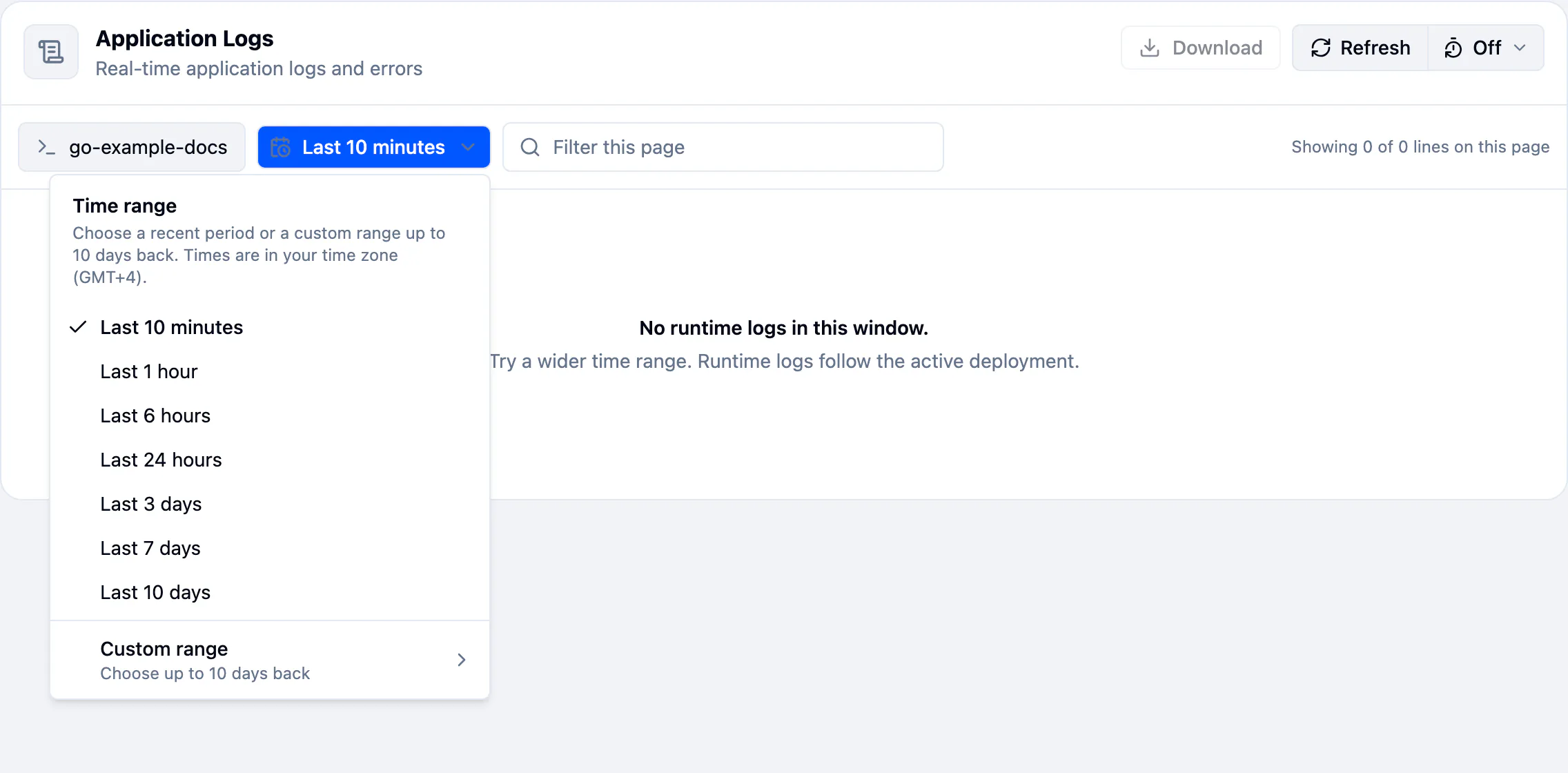
- Open the time range menu, left of Filter this page.
- Pick a preset: Last 10 minutes, Last 1 hour, Last 6 hours, Last 24 hours, Last 3 days, Last 7 days or Last 10 days.
A custom range
- In the same menu, choose Custom range.
- Set From and To. Times are in your time zone, shown as an offset such as UTC+07:00.
- Press Apply.
The form tells you what is wrong before it runs the search:
| Message | Fix |
|---|---|
| Enter both a start and an end. | Fill in both fields. |
| The start must be before the end. | Swap them. |
| Logs are only kept for the last 10 days. | Move the start forward. |
| The end can't be in the future. | Set the end to now or earlier. |
Page through older lines
A page holds 200 lines. Page 1 is the newest 200; page 2 the 200 before them, and so on. Inside a page the lines run in time order, newest at the bottom. The footer says where you are, such as Lines 1–200 of 1,250, newest first.
- With a known total, use the page numbers.
- Otherwise, use Newer and Older.

Filter this page and the level chips work on the page you are on. To search further back, move to an older page or narrow the time range.
Refresh
Press Refresh to load the newest lines. The table keeps showing the current lines while it loads.
Auto-refresh
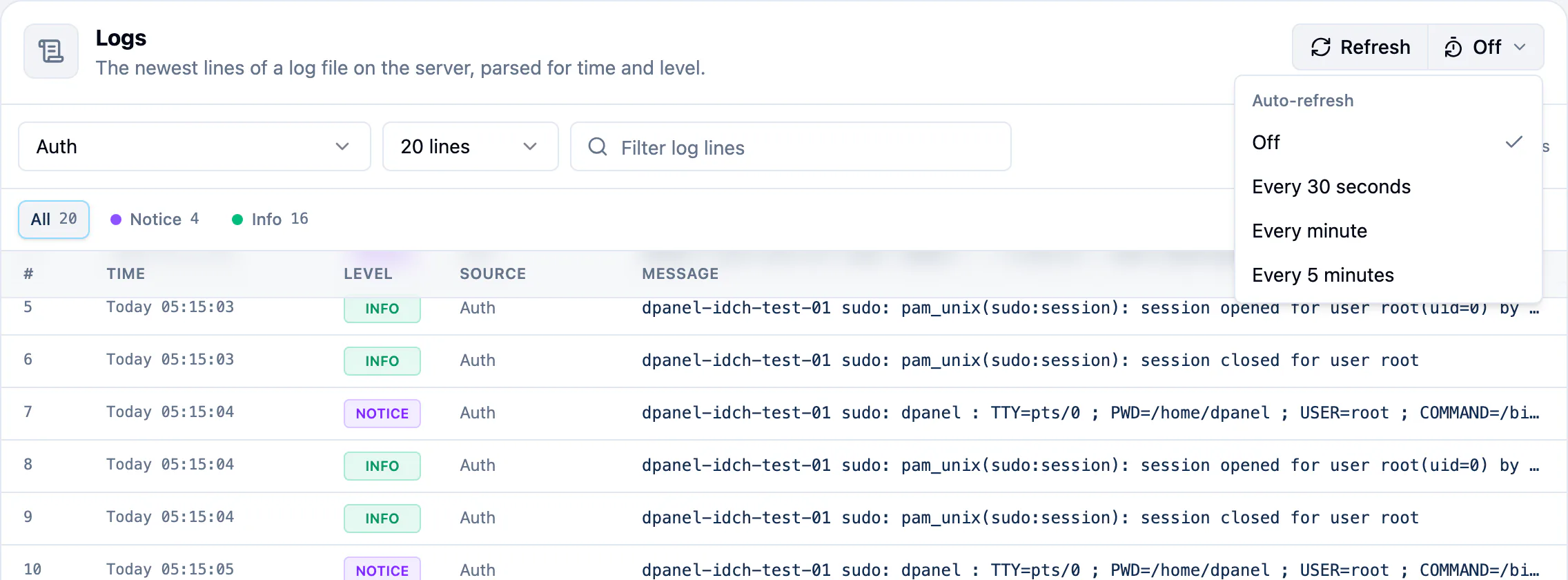
The button beside Refresh sets Auto-refresh. It is Off by default.
- Open the menu next to Refresh.
- Pick Every 30 seconds, Every minute or Every 5 minutes. The button shows the interval, such as 30s.
- Pick Off to stop.
Auto-refresh pauses while you are on an older page, so the lines do not move under you. It picks up again when you go back to the first page.
The server Logs tab and Artifact Logs have the same Refresh and Auto-refresh controls.
Frequently asked questions
Why are older lines missing?
dPanel keeps application and load balancer logs for 10 days. Anything older is gone. Download what you need to keep. See Download logs.
Why does the newest line sit at the bottom?
Inside a page, lines read like a book, in the order they were written. The table scrolls to the bottom for you, so the newest line is in view.
Which time zone are the times in?
Yours, from your browser. The column header shows the offset, such as Time (GMT+4).
Does auto-refresh cost anything?
No. It only reads the logs again at the interval you pick.