Ask dPanel is the AI assistant built into dPanel. Press Ask dPanel at the bottom right of any page, ask a question or describe what you want in plain language, and it answers from your workspace and this documentation. Any change it prepares waits on a card until you press Approve.
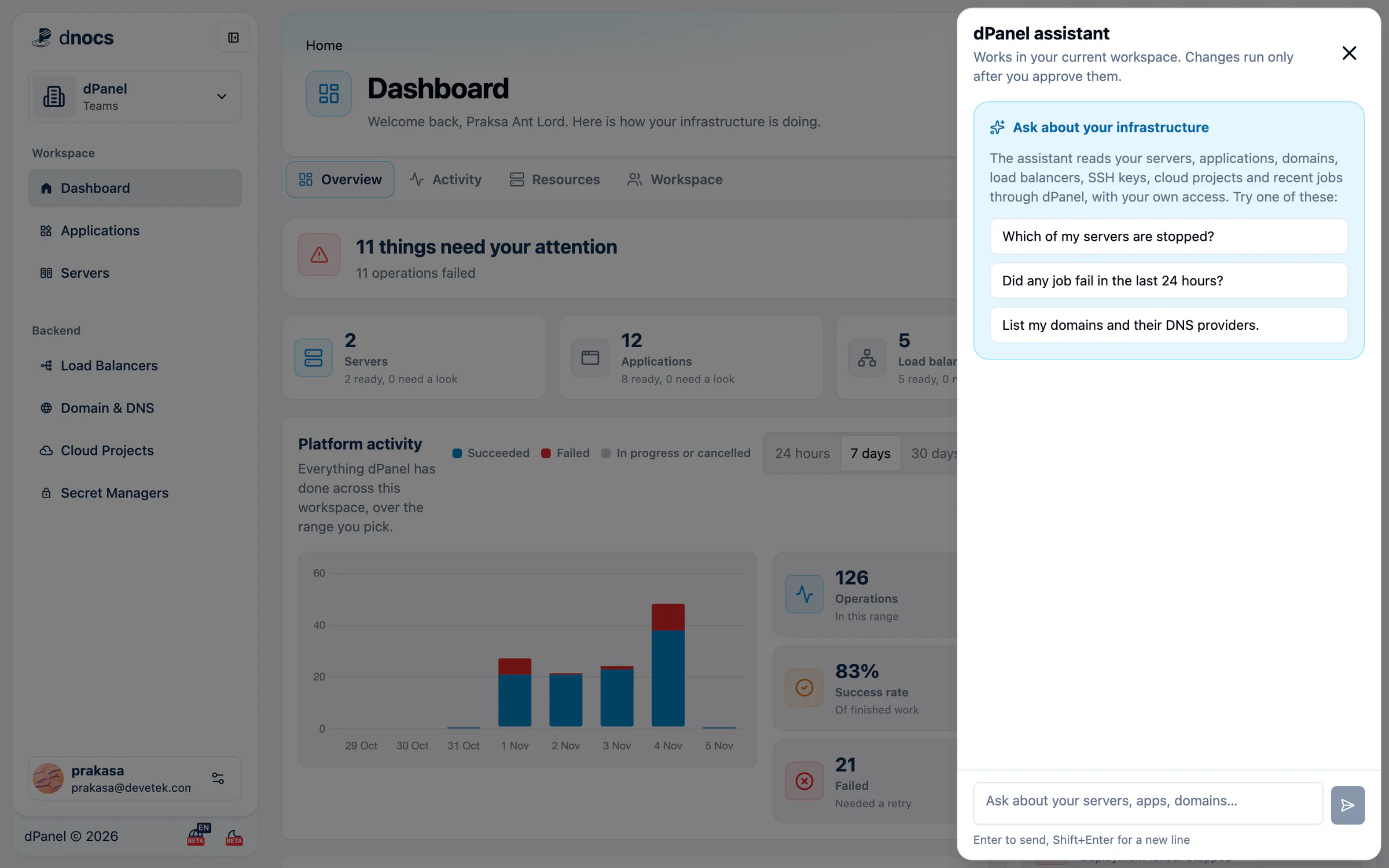
Start in two minutes
- Press Ask dPanel at the bottom right of any page. The dPanel assistant panel opens.
- Press an example question, such as Which of my servers are stopped?, or type your own in Ask about your servers, apps, domains….
- Press Enter. While it works, the panel says Checking dPanel….
- Read the answer. Checked: under it lists what the assistant looked at.
- When it proposes a change, read the card marked Waiting for your approval, then press Approve or Reject.
The full walkthrough, with screenshots, is Your first AI conversation.
What you can ask
- "How do I connect my own server?" (answered from the docs, with a link)
- "Why is application Shop failing on server 145?"
- "On server 145, create a MariaDB database named wordpress with a user named wp."
- "Put application Shop on shop.example.com with HTTPS."
- "On server 145, allow TCP port 8080 and apply the firewall."
More in the prompt cookbook.
Everything about the assistant
The AI assistant section covers it in full:
- What Ask dPanel is: what it can and cannot do, and how it keeps you safe.
- Approve or reject changes: reading cards, secrets, and what happens when you close the chat.
- Diagnose problems with AI: let it find why something fails.
- Use your own AI agent: Claude Code, Cursor and others, plus
llms.txt. - AI limits and privacy: what it sees, stores and sends.
Frequently asked questions
Can the assistant change my servers without asking?
No. Questions only read. Every change waits for you to press Approve on its card.
Can it see other workspaces or other people's data?
No. It works in your current workspace, with your own access, exactly like the pages you open yourself.
Should I type passwords in the chat?
Never. Messages go to an AI model service. When a change needs a password, the card gives you a field for it instead. See Approve or reject changes.