dPanel shows two kinds of log for an application: what the running service prints (its runtime logs), and every HTTP request that reached it through a load balancer. Open the application and go to Logs, or press View logs on the Overview tab.
A log is the running record of what a program did, one line per event. A load balancer is the public front door that receives visitors' requests for your domain and passes them to the application. See the Glossary.
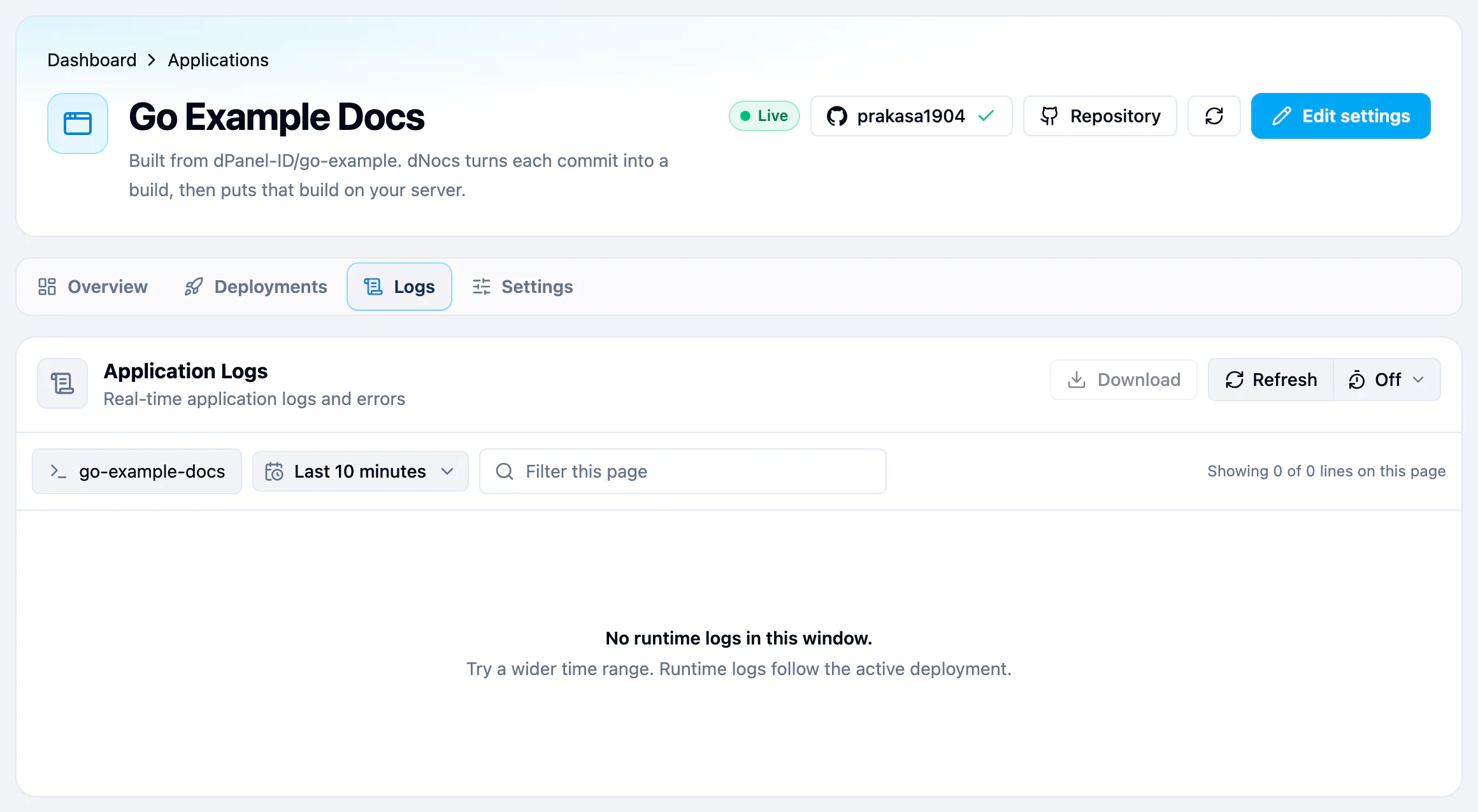
Two sources
| Source | What it shows |
|---|---|
| Runtime | What the service writes to its output while it runs. The table is titled Application Logs. |
| Load balancer | Every request that reached the load balancer in front of the application. The table is titled Load balancer requests. |
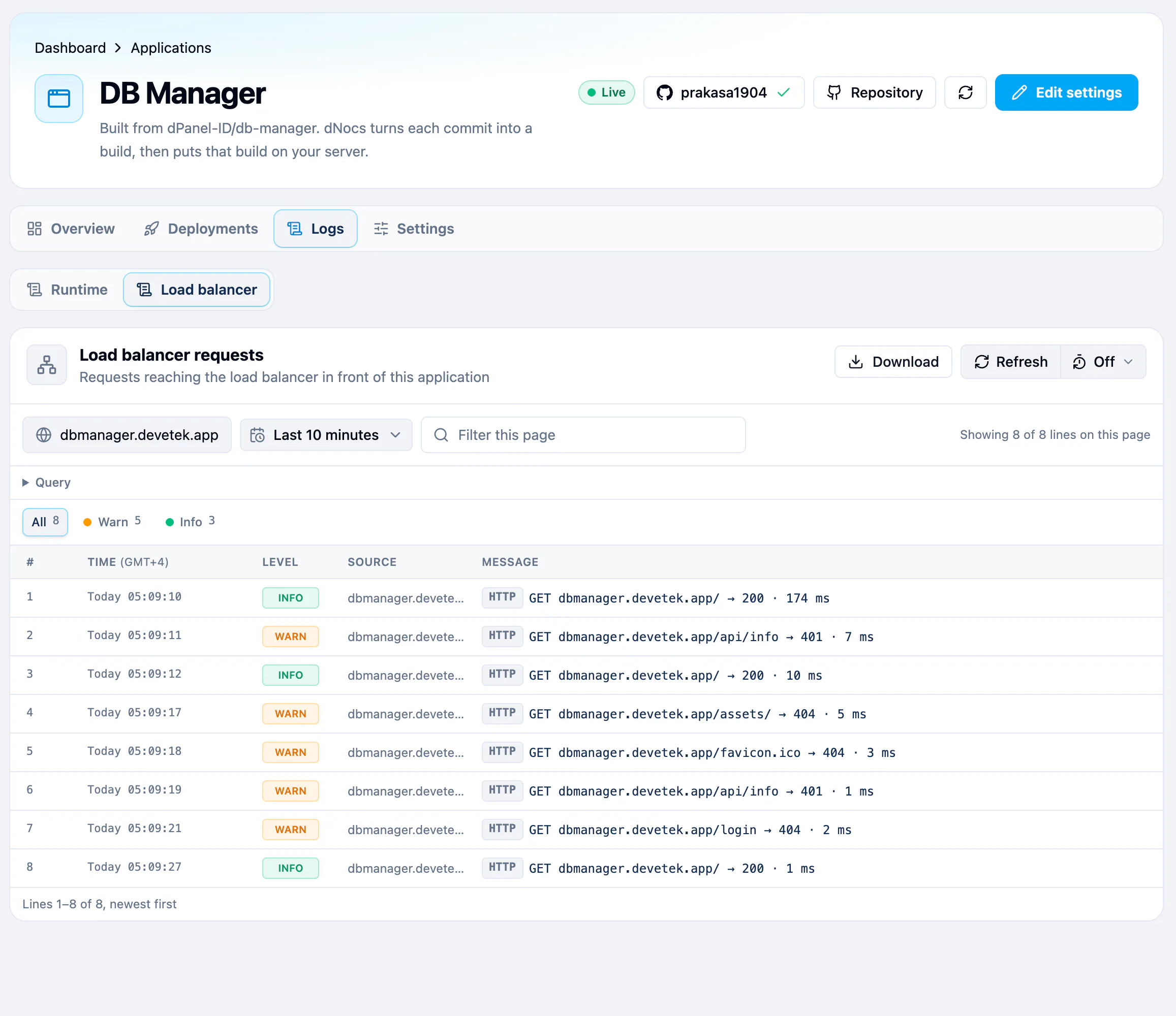
Load balancer only appears when a load balancer serves this application. Without one, the tab opens straight onto the runtime logs.
Read a request line
Each load balancer row is one request, marked HTTP, written as:
GET dbmanager.devetek.app/api/info → 401 · 7 ms
That is the method, the address and path that was asked for, the status code the visitor got back, and how long it took. The Source column shows the domain. The level follows the status: a 5xx status (the server failed) is error, a 4xx status (the request was refused or not found) is warn, anything else is info. Select the row to see every detail in the Log entry panel, such as the visitor's IP address and the request headers.
Runtime logs follow the active deployment. If the application has no run command or no server yet, the tab says there are no runtime logs.
Find what you need
- Pick a Time range. The tab opens on Last 10 minutes; go back as far as 10 days.
- Type in Filter this page to keep only lines that contain your text. Upper and lower case do not matter.
- Select a level chip, such as error, to keep only that level.
- Select a line to open it in full in the Log entry panel.
The controls are the same in every log view. See Time range and refresh and Download logs.
Build logs are somewhere else
The output of a build, such as a failing compile, is not in this tab. Open Deployments, find the build, and press Logs. See Deployments and rollback.
For the server's own log files, such as auth.log or the web server, see Reading logs.
Frequently asked questions
Why does every request show warn?
The status codes were 4xx: pages that do not exist (404) or requests that need a sign-in (401). Bots that scan for files such as /.env cause many of these. They are normal unless your own pages return them.
Can I read load balancer requests from the terminal?
Yes. dnocs load-balancer log --id <load balancer ID> prints the same request lines, newest first. Add --since 24h to look further back (up to 240h, 10 days), --page 2 for older lines, or --json for every field. See AI in the terminal to install dnocs.
How far back can I read?
10 days, for both sources. See Time range and refresh.